
Microcontroller Board Soldering and Programming: QFN Pads, SWD, and FTDI Drivers
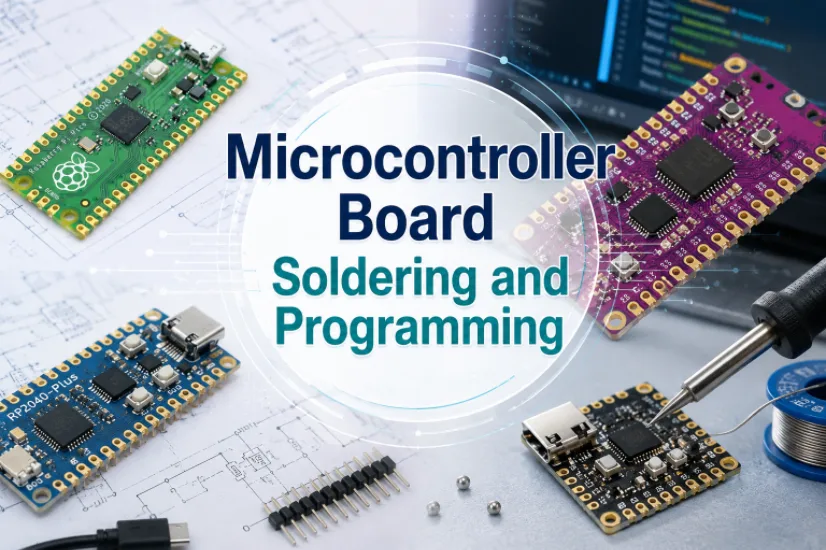
Figure 1. Microcontroller board soldering and programming should be planned together before assembly.
The last steps of a microcontroller board trip up many projects: soldering the fine pins and the thermal pad behind a QFN, then getting a programmer to talk to the chip – often through an FTDI USB-to-serial chip. This guide answers the real questions: how to solder a QFN by hand, how to program a board over SWD or a bootloader, and why an FTDI driver won’t show a COM port. It also shows when to let Highleap Electronics assemble and program the board for you.
1. Which microcontroller package can you hand-solder?
You can comfortably hand-solder through-hole (DIP) and leaded SMT packages (SOIC, TQFP, LQFP), but QFN and BGA parts are difficult or impossible by hand and belong on a reflow process. Package choice is really a soldering decision made at design time: DIP is easiest but rare for modern chips, leaded SMT pins along the edges are reachable with an iron, QFN/DFN hide their pads under the body, and BGA puts an array of balls underneath that effectively cannot be hand-soldered.
If you are hand-building, favor a leaded package. If your chosen part only comes as QFN or BGA, treat that as a strong signal to use stencil-and-reflow or to outsource assembly. The part also shapes the whole board, so a quick read on choosing the right microcontroller pays off before you commit a footprint.
2. How to solder a QFN and the thermal pad behind the chip
To hand-solder fine MCU pins, tack two opposite corners, drag-solder each row (letting it bridge), then wick the bridges away with desoldering braid. The central thermal pad on a QFN – the “tiny pads behind the microcontroller” people search for – sits under the chip where an iron cannot reach, so by hand the results are inconsistent and reflow is the reliable route. The step-by-step:
- Tack one corner. Align the chip over its footprint and solder a single corner pin to lock position; check alignment under magnification before continuing.
- Tack the opposite corner to fully fix the part.
- Drag-solder the rows. Add flux generously and drag a little solder along each row. Bridging is fine – flux helps it flow onto the pins.
- Wick the bridges. Lay desoldering braid over the bridged pins and heat; the braid pulls the excess away, leaving clean joints.
- Inspect under magnification to confirm every pin is wetted and no bridges remain.
Flux, magnification, and a temperature-controlled iron are non-negotiable here. For the thermal pad and for any QFN or BGA part, professional reflow soldering with a stencil aperture is genuinely the right call rather than a shortcut.
3. How to program a microcontroller: SWD, JTAG, ISP, or bootloader
Program a microcontroller either through a hardware debug interface (SWD or JTAG on ARM Cortex-M, ISP on AVR) or through a serial bootloader over a USB-to-serial chip. The hardware interface is the most reliable because it does not depend on a working bootloader and also lets you debug; a few pins connect to a programmer such as an ST-Link or J-Link and flash the chip directly.
- SWD / JTAG / ISP. Best for a first board. The STM32 family is a common starting point, and this beginner’s guide to STM32 covers its SWD flow well.
- Serial bootloader. Cheap and convenient: a USB-to-serial chip (very often FTDI) bridges the PC’s USB to the MCU’s UART, and the bootloader accepts firmware over that link.
- Native USB. Some MCUs have built-in USB and appear as a programmable device directly, with no separate serial chip.
When you need many units programmed identically, factory IC programming removes the per-board fiddling entirely so boards arrive flashed.
4. FTDI driver not showing a COM port? Here’s the fix
If your FTDI chip won’t appear as a COM port, the usual causes are a missing driver, a charge-only USB cable, swapped TX/RX lines, or a counterfeit FTDI chip. Work through them in order:
- Install the official driver. Download the Virtual COM Port (VCP) driver from FTDI’s own website, matching your operating system, then confirm the chip enumerates as a COM port (Windows) or a tty/usbserial device (macOS/Linux) before flashing.
- Use a data cable, not charge-only. Many micro-USB cables carry power but no data; swap it before assuming a fault.
- Cross TX and RX. The transmit and receive lines must cross between the FTDI chip and the MCU – TX to RX, RX to TX. A swapped pair is the classic first-board mistake.
- Beware counterfeit chips. Fake FTDI parts are widespread and can behave erratically or be rejected by official drivers; genuine parts from authorized sources avoid a whole class of problems.
Note the assigned port once it appears, because your programming tool needs to point at exactly that port. The counterfeit-chip risk is one more reason authorized component sourcing matters on a real product.
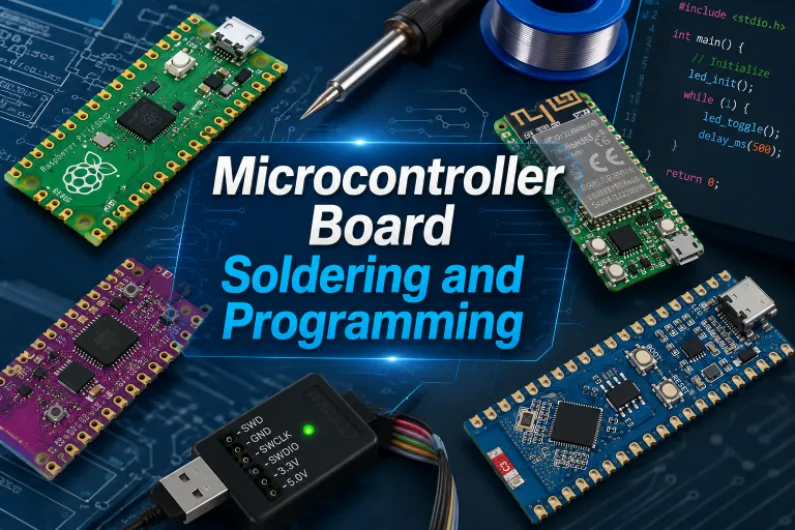
Programming access, power checks, and test points make MCU board bring-up more reliable.
5. First power-up: bringing up a new board step by step
Bring up a new board in four steps: inspect for solder bridges, verify the power rails, confirm the programmer connects, then flash a minimal test. First power-up is methodical, not magical, and a wrong or missing rail explains most “dead board” reports:
- Inspect before powering. Check for solder bridges, especially on the MCU’s fine pins, and confirm polarized parts face the right way.
- Check power rails. Verify each supply voltage is present and correct before expecting any digital behavior.
- Confirm the programmer connects. Get the tool to recognize the chip before worrying about application firmware; a simple “device detected” is a major milestone.
- Flash a minimal test. Blink an LED or print over serial to prove the toolchain, connection, and chip all work, then build up.
If the chip will not respond, the cause is usually power, a soldering defect on the programming pins, a driver or port issue, or swapped serial lines – the same common assembly problems that professional inspection is designed to catch.
6. How to design a board that’s easy to solder and program
Design for easy soldering and programming by choosing a hand-solderable package, adding a labeled SWD/JTAG/ISP header, and providing test points on power and key signals. Many headaches are designed in and can be designed out:
- Choose a hand-solderable package if you intend to hand-build, and reserve QFN/BGA for reflow or outsourced assembly.
- Add a clear programming header with a standard pinout and silkscreen labels, even if you plan to use a bootloader, so you always have a reliable fallback.
- Provide test points on power rails and key signals so bring-up and debugging are straightforward.
- Lay out the QFN thermal pad properly with the right via pattern, so it solders well in production and conducts heat – principles that live in any good microcontroller circuit board layout.
- Label polarity and pin one clearly to prevent backwards assembly.
7. When to outsource MCU assembly and programming
Outsource once you hit QFN/BGA parts, fine pitch, the thermal pad behind the chip, or more than a couple of boards – past that point hand assembly costs more time and yield than it saves. Through full turnkey assembly, Highleap handles SMT and through-hole placement, fine-pitch and BGA soldering with stencil-and-reflow, and AOI/X-ray inspection so the joints you cannot see by hand are verified.
Authorized-channel sourcing also sidesteps the counterfeit-FTDI problem. For boards that need firmware loaded at the factory, Highleap can include programming and functional testing so units arrive working rather than blank – and the board can ship as a finished product through box-build assembly. When you request a quote, say which package the MCU uses, whether you need on-board programming, and what functional test you want.
Get an assembly & programming quote
8. Microcontroller soldering & programming FAQ
How do I solder the thermal pad behind a QFN?
That central pad sits under the chip where an iron cannot reach. In production it is soldered with a stencil aperture and reflow; by hand the results are inconsistent, so for QFN/BGA parts reflow or outsourced assembly is the reliable route.
What is the most reliable way to program a microcontroller?
A hardware debug interface – SWD or JTAG on ARM parts, ISP on AVR – because it does not depend on a working bootloader and also allows debugging. A serial bootloader over a USB-to-serial chip is cheaper but adds a driver layer.
Why won’t my FTDI chip show up as a COM port?
Common causes are a missing or wrong VCP driver, a charge-only USB cable, swapped TX/RX lines, or a counterfeit FTDI chip. Install the official driver, use a data cable, cross TX/RX, and use genuine parts.
Where do I download the FTDI driver?
Get the official Virtual COM Port (VCP) driver from FTDI’s own website and pick the build for your operating system, then confirm the chip appears as a COM port or tty device before flashing.
Can Highleap solder QFN/BGA parts and load my firmware?
Yes. Highleap does fine-pitch and BGA assembly with reflow and X-ray inspection, sources genuine components, and can program boards and run functional tests so units ship working.

Recommended Posts

Isola Astra MT77 PCB Manufacturing
Figure 1. Isola Astra MT77 PCB ManufacturingIsola Astra...

Nelco N4000-13 PCB Material and Manufacturing Guide | Highleap Electronics
Figure 1. Nelco N4000-13 PCBNelco N4000-13 PCB is a...

Copper Clad Laminate: Complete Material Selection Guide for PCB Engineers
Every electrical property that matters in a printed...

Inside a China Ceramic PCB Factory: Process Control Across Power/LED/RF/Medical
Table of Contents Inside a China Ceramic PCB Factory: How...
How to get a quote for PCBs
Let’s run DFM/DFA analysis for you and get back to you with a report. You can upload your files securely through our website. We require the following information in order to give you a quote:
-
- Gerber, ODB++, or .pcb, spec.
- BOM list if you require assembly
- Quantity
- Turn time
For PCBA services, please provide your BOM (Bill of Materials) and any specific assembly instructions. We also offer DFM/DFA analysis to optimize your designs for manufacturability and assembly, ensuring a smooth production process.