
PCB Assembly Files Requirements

Table of Contents
At Highleap Electronics, complete file packages enable faster processing and fewer engineering questions. We use your Gerbers + drill to generate fabrication tooling, and your BOM + pick-and-place + assembly drawings to program SMT placement and verify polarity/orientation. This guide helps you prepare data that moves smoothly through manufacturing.
1) The Complete File Package
1.1 Essential Files Checklist
Always Required:
- ☐ Gerber files (all layers required for fabrication)
- ☐ Drill files (Excellon format)
- ☐ Bill of Materials (BOM)
- ☐ Pick and place / centroid file (component placement)
- ☐ Assembly drawing (Top/Bottom, polarity, refdes)
Often Required (depending on board and build):
- ☐ Fabrication drawing / fabrication notes
- ☐ Stackup specification (especially for impedance or controlled dielectric)
- ☐ Test requirements (AOI/ICT/functional)
- ☐ Special instructions (programming, coating, handling)
- ☐ Panelization information (if panelized or requires rails)
1.2 File Revision Consistency
Critical: All files must be from the same design revision (Gerbers, drill, BOM, pick-and-place, drawings).
Mixed revisions commonly cause:
- Components placed on wrong pads (footprints changed but placement file not updated)
- BOM/placement mismatch (missing parts or wrong quantities)
- Wrong footprints built (Gerber vs drawing vs BOM inconsistency)
Best practice: include a revision identifier in all file names and documents (e.g., RevA / RevB, date stamp, ECO number).
1.3 File Format Summary
| File Type | Preferred Format |
|---|---|
| Gerber | RS-274X or Gerber X2 |
| Drill | Excellon (ASCII) |
| BOM | Excel (.xlsx) or CSV |
| Pick and place / centroid | CSV or TXT |
| Drawings / notes |
2) Fabrication Data Requirements
2.1 Gerber Files
Required layers (typical):
- Top copper
- Bottom copper
- Internal copper layers (if multilayer)
- Top solder mask
- Bottom solder mask
- Top silkscreen
- Bottom silkscreen (if used)
- Board outline / profile (required)
Recommended (when applicable):
- Mechanical layers for cutouts, slots, routing depth, edge plating notes
- Fabrication layer / drawing references (if your CAD outputs them as Gerbers)
Gerber specifications:
- Format: RS-274X (embedded apertures) or Gerber X2
- Units: Metric preferred; imperial acceptable (do not mix units across layers)
- Ensure consistent polarity and correct layer naming
- Include a clear, unambiguous board outline layer
2.2 Drill Files
Required:
- Plated through holes (PTH)
- Non-plated holes (NPTH) as a separate file (recommended)
- Tool table (drill sizes + counts)
If applicable:
- Blind via drill files
- Buried via drill files
- Back drill files
- Slots / routing definitions (if not captured elsewhere)
2.3 Fabrication Drawing / Notes (PDF)
Provide a fabrication drawing (PDF) showing:
- Board dimensions and tolerances
- Layer stackup and thickness
- Material specifications (e.g., FR-4, high-Tg, specialty low-loss laminate)
- Impedance requirements (if any)
- Surface finish (ENIG, HASL, OSP, etc.)
- Solder mask color and silkscreen color (if required)
- Special requirements (edge plating, via fill/cap, controlled depth routing, etc.)
3) Assembly Data Requirements
3.1 Pick and Place / Centroid File
For detailed formatting and conventions, see pick-and-place-file-requirements.
Required columns:
- Reference designator (must match BOM)
- X coordinate
- Y coordinate
- Rotation
- Side (Top/Bottom)
Include in header notes (to avoid common failures):
- Units (mm or mils)
- Origin location (lower-left of outline or board center—state it clearly)
- Rotation convention (CCW positive or otherwise)
- Bottom-side handling (mirrored or not)
- Board revision matching Gerbers and BOM
See also: Centroid file specifications.
3.2 Solder Paste (Stencil) Gerbers
- Top paste layer (required for SMT)
- Bottom paste layer (if bottom-side SMT)
Note: Paste layers define stencil openings. Stencil apertures may be modified for print quality and yield per stencil aperture guidelines.
3.3 Assembly Drawing (PDF)
Provide an assembly drawing (PDF) showing:
- Component placement (all reference designators visible)
- Component outlines
- Polarity indicators (Pin 1, cathode marks, electrolytic polarity)
- Top and bottom views
- Any special assembly notes (hand-solder, glue, selective solder, etc.)
4) Bill of Materials (BOM) Specifications
4.1 Required BOM Columns
| Column | Description | Example |
|---|---|---|
| Item/Line | Line number | 1, 2, 3… |
| Reference Designator | Component identifier(s) | R1, R2, R3 |
| Quantity | Count per board | 3 |
| Manufacturer | Component manufacturer | Yageo |
| Manufacturer Part Number | Specific MPN | RC0402FR-0710KL |
| Description | Component description | RES 10K 1% 0402 |
| Package/Footprint | Physical package | 0402 |
4.2 Optional But Helpful Columns
- Populate (Y/N) or DNP/DNI: clearly mark parts not to be assembled
- Alternate MPN (AVL/AML): approved alternative parts and priority
- Distributor and Distributor PN: preferred sourcing
- Value: component value (10K, 100nF)
- Notes: special instructions (orientation constraints, hand-solder, etc.)
4.3 BOM Best Practices
- One line per unique part (group identical components)
- Use complete manufacturer part numbers (avoid partial codes)
- Clearly mark DNP/DNI items (and ensure they are also removed from placement if required)
- Specify approved alternates (or state “no substitutes”)
- Match reference designators exactly to other files
5) Supporting Documentation
5.1 Test Requirements
Specify testing expectations:
- Visual/AOI inspection requirements
- ICT or flying probe testing
- Functional test requirements (procedure, pass/fail criteria, fixtures if any)
- X-ray inspection (for BGAs/QFNs when needed)
See Design for Testability for DFT guidelines.
5.2 Special Instructions
Document any special requirements:
- Programming requirements (who provides firmware, programming method, programming header)
- Conformal coating specifications (type, thickness, masked areas)
- Special handling requirements (ESD, moisture sensitivity, baking)
- Workmanship class (IPC-A-610 Class 2 or Class 3; if not specified, confirm the default for your build)
5.3 Panelization Information
If customer-panelized, provide:
- Panel Gerbers (not just individual board)
- Panel array configuration (rows/columns, rails, fiducials)
- Depaneling method (V-score, tabs, router) and any keep-outs
See Panelization requirements for SMT.
6) File Submission Best Practices
6.1 File Organization
Recommended folder structure:
ProjectName_RevA/
├── Gerbers/
│   ├── ProjectName_Top.gbr
│   ├── ProjectName_Bottom.gbr
│   ├── ProjectName_Drill_PTH.drl
│   ├── ProjectName_Drill_NPTH.drl
│   └── [all layer files]
├── Assembly/
│   ├── ProjectName_BOM.xlsx
│   ├── ProjectName_PnP.csv
│   └── ProjectName_Assembly.pdf
└── Documentation/
    ├── ProjectName_Fab.pdf
    └── ProjectName_Notes.txt
6.2 File Naming Convention
Include in file names:
- Project name or part number
- Revision indicator
- Layer/file type identifier
Example: ControlBoard_RevC_Top.gbr
6.3 Compression and Submission
- Compress all files into a single ZIP archive
- Include a short readme (optional) describing key files, origin/units, and special notes
- Verify all files open correctly in a viewer before sending
- Use file transfer for large packages (>25MB)
6.4 Pre-Submission Checklist
- ☐ All files are the same revision
- ☐ Reference designators match across files
- ☐ BOM component count matches placement file (placed parts)
- ☐ Gerbers verified in a viewer (outline, polarity, masks)
- ☐ Drill files include tool table and clear PTH/NPTH separation
- ☐ Units and origin are specified (especially for pick-and-place)
- ☐ Special requirements documented (programming, coating, class, test)
6.5 Highleap File Processing
When you submit files to Highleap Electronics:
- Files received and logged
- Free DFM review performed
- DFM report provided
- Questions clarified before production
- Production proceeds with verified data
Complete, well-organized files accelerate this process. Review our PCB DFM checklist and assembly design rules before submission.
Contact our engineering team with any questions about file requirements for your specific project.

Recommended Posts
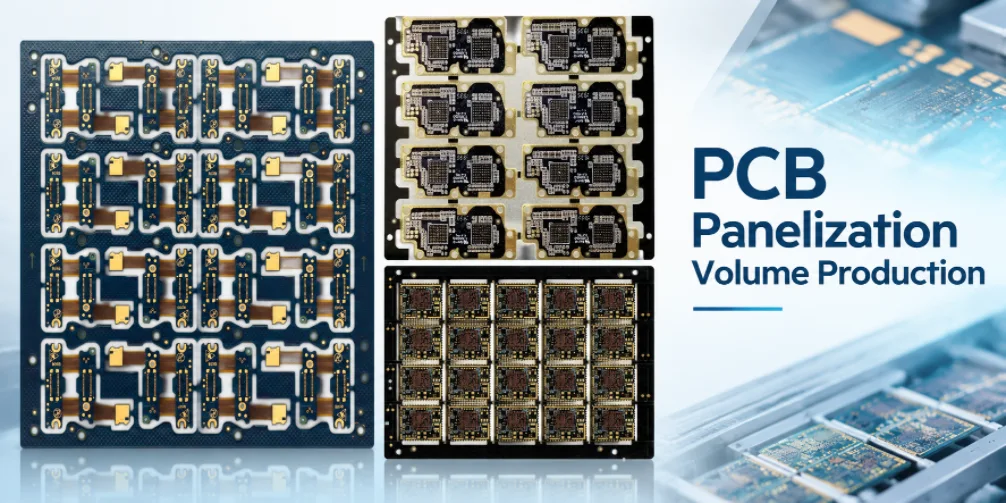
PCB Panelization for Volume Production: Cost and Yield
A fabrication panel that holds more boards is not...
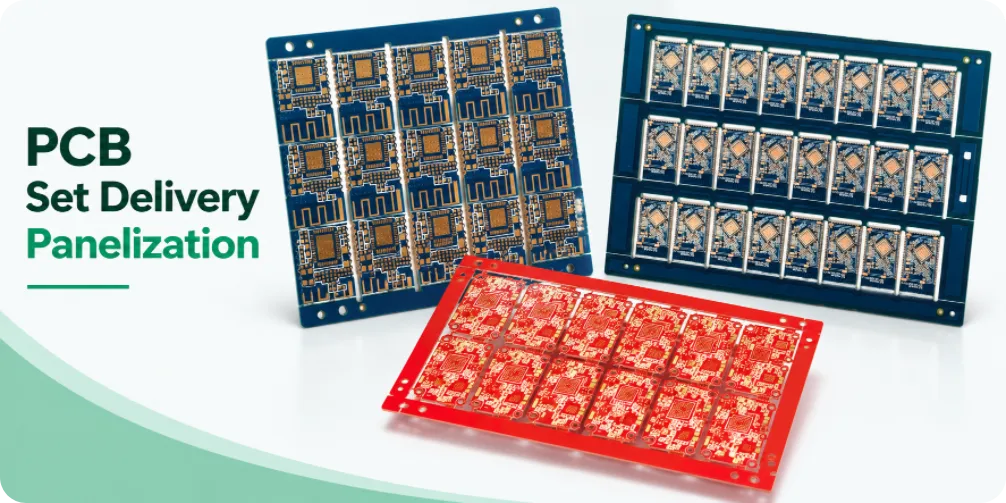
PCB SET Delivery and Panelization: Quantities and Acceptance
A purchase order for “500 SET” looks straightforward until...
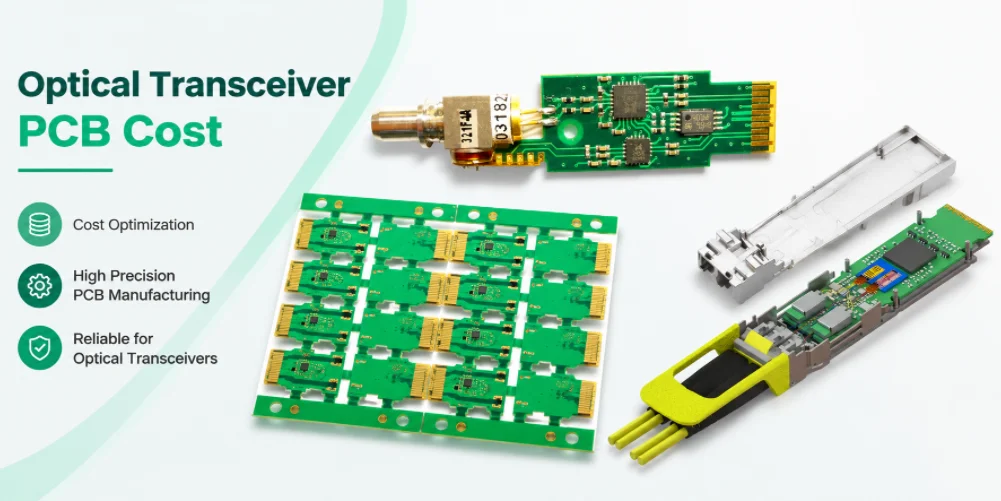
Optical Transceiver PCB Cost: Compare Equivalent Quotes
Two suppliers may quote a nominally identical six-layer...
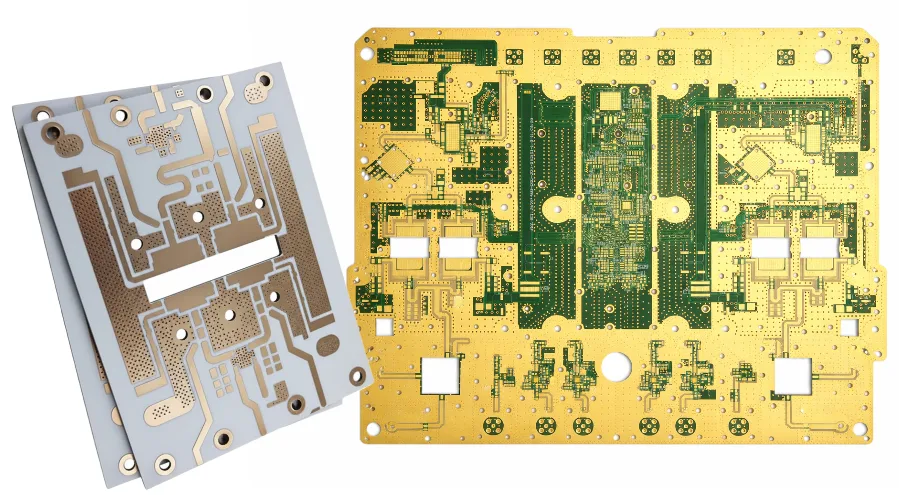
PCB Materials Database: Laminate Grades & Properties
How to get a quote for PCBs Let‘s run DFM/DFA analysis for...
How to get a quote for PCBs
Let us run DFM/DFA analysis for you and get back to you with a report.
You can upload your files securely through our website.
We require the following information in order to give you a quote:
-
- Gerber, ODB++, or .pcb, spec.
- BOM list if you require assembly
- Quantity
- Turn time
In addition to PCB manufacturing, we offer a comprehensive range of electronic services, including PCB design, PCBA (Printed Circuit Board Assembly), and turnkey solutions. Whether you need help with prototyping, design verification, component sourcing, or mass production, we provide end-to-end support to ensure your project’s success. For PCBA services, please provide your BOM (Bill of Materials) and any specific assembly instructions. We also offer DFM/DFA analysis to optimize your designs for manufacturability and assembly, ensuring a smooth production process.